GEO Tutorial UX Content Spec: make every guide useful and scannable
A long tutorial is not automatically a useful tutorial. This specification turns a search brief into a scannable, evidence-led guide with clear next actions and accessible visual support.
ViziGEO Team4 min read
Key takeaways
How to design high-quality GEO tutorials for SEO, UX and AI search.
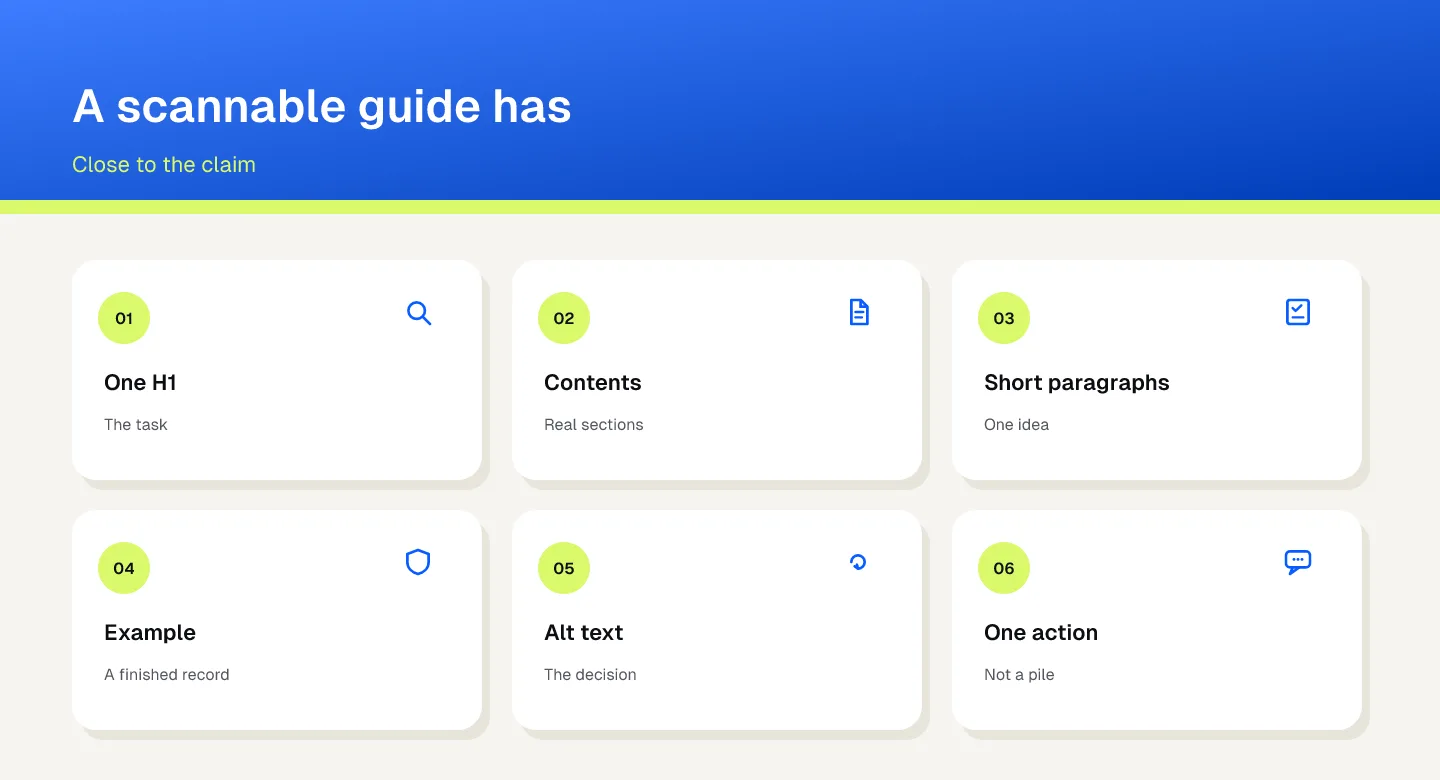
This specification is how a tutorial is built so a reader can scan the task: one H1, a table of contents, a visual next to the claim, and one call to action at the decision. A landing-page brief specifies a commercial promise. This page specifies the guide.
Define the reader task, primary keyword, supporting questions and one outcome before drafting the page.
A Search Console tutorial should let a reader jump to diagnosis, show the decision tree visually and finish with a measured next step, not a wall of undifferentiated text.
UX patterns must fit the task and audience.
Contents
What this workflow decides
How to design high-quality GEO tutorials for SEO, UX and AI search.
A long tutorial is not automatically a useful tutorial. This specification turns a search brief into a scannable, evidence-led guide with clear next actions and accessible visual support.
This specification is how a tutorial is built so a reader can scan the task: one H1, a table of contents, a visual next to the claim, and one call to action at the decision. A landing-page brief specifies a commercial promise. This page specifies the guide.
How to do it
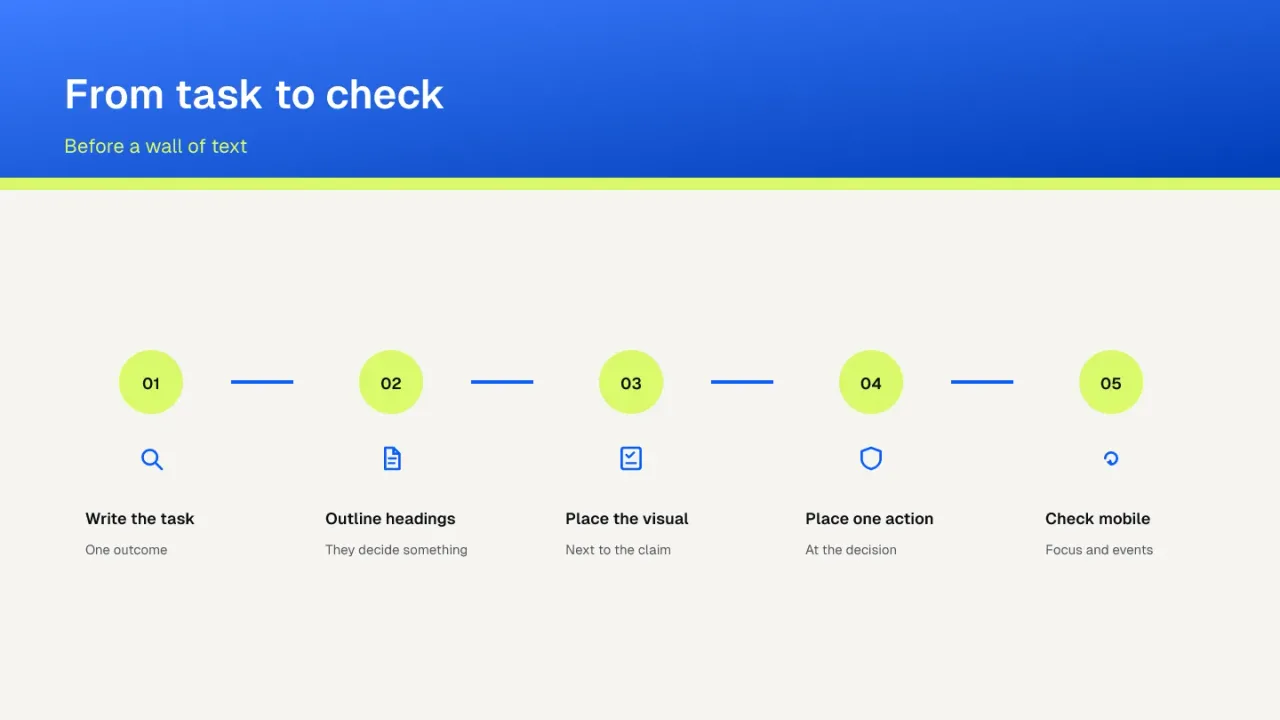
Define the reader task, primary keyword, supporting questions and one outcome before drafting the page.
Write the reader task and the one outcome before the draft.
Build a single H1, descriptive H2 and H3 hierarchy, a table of contents, answer-first summary and short paragraphs.
Use one H1 and headings that say what the section decides.
Add an explanatory visual, alt text, captions, examples, checklists and proof close to the claim they support.
Put the visual, its alt text and the proof beside the claim they support.
Place contextual internal links and one relevant CTA at decision points without flooding the footer or interrupting the task.
Add one relevant next step at the decision. Do not fill the footer with every URL.
Run mobile, accessibility, metadata, schema, link, event and content-depth QA before publishing and after major edits.
Check mobile, focus, metadata and events before publishing and after a large edit.
This specification is how a tutorial is built so a reader can scan the task: one H1, a table of contents, a visual next to the claim, and one call to action at the decision. A landing-page brief specifies a commercial promise. This page specifies the guide.
What a finished record looks like
A Search Console tutorial should let a reader jump to diagnosis, show the decision tree visually and finish with a measured next step, not a wall of undifferentiated text.
What to keep in the record
Reader task and the one outcome
Heading outline and answer-first summary
Visual, alt text and the claim it supports
Mobile, focus and event check
Write the reader task and the one outcome before the draft.
What changes the conclusion
UX patterns must fit the task and audience.
Visuals without explanatory value add noise.
A CTA should not replace a complete answer.
A Search Console tutorial should let a reader jump to diagnosis, show the decision tree visually and finish with a measured next step, not a wall of undifferentiated text.
Frequently asked questions
Does length make a tutorial useful?
No. A long page can still hide the task.
Can a visual be decoration?
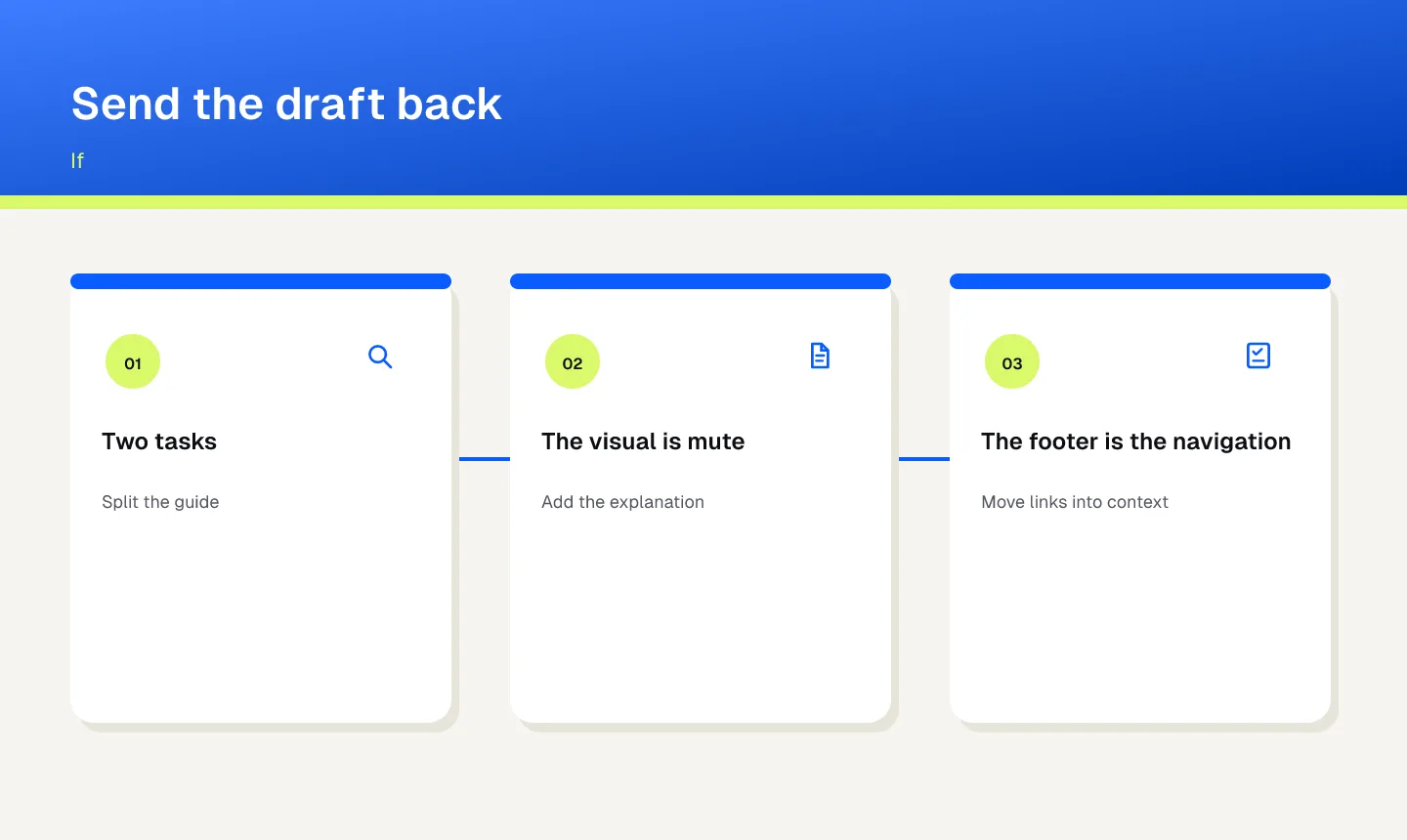
Not in this spec. A visual without an explanation adds noise.
Can the call to action replace the answer?
No. The answer stays in the page. The action is the next step.
Sources
These are the official sources for the part of the workflow they govern. A documented workflow is not a ranking or a citation outcome.
Open ViziGEO and review a documented sample of questions, mentions, recommendations and citations. The audit records what was observed. It does not guarantee a mention, a citation or a recommendation.